Introducing Camera Monitoring: IP Cameras on Your Live Map
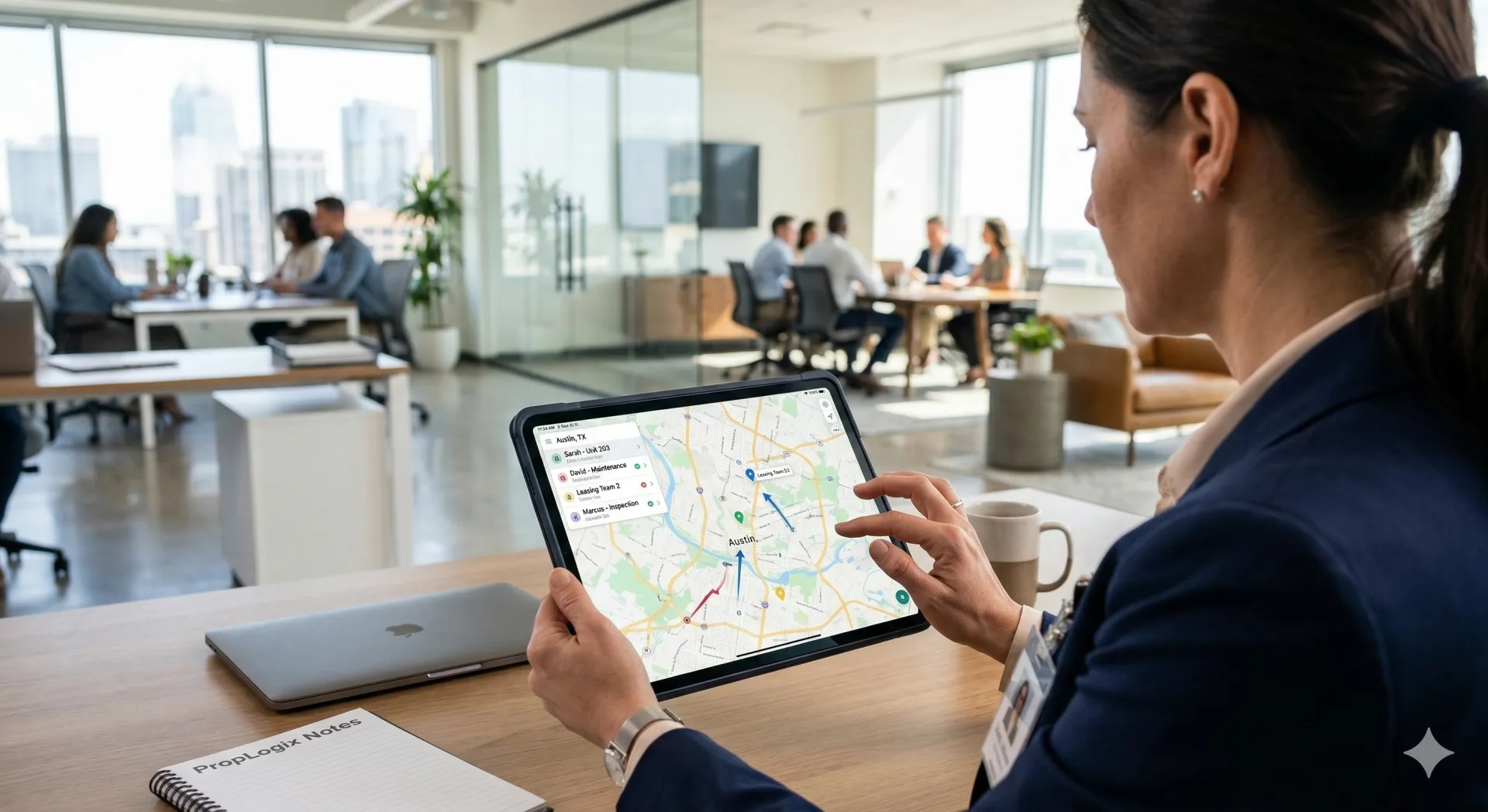
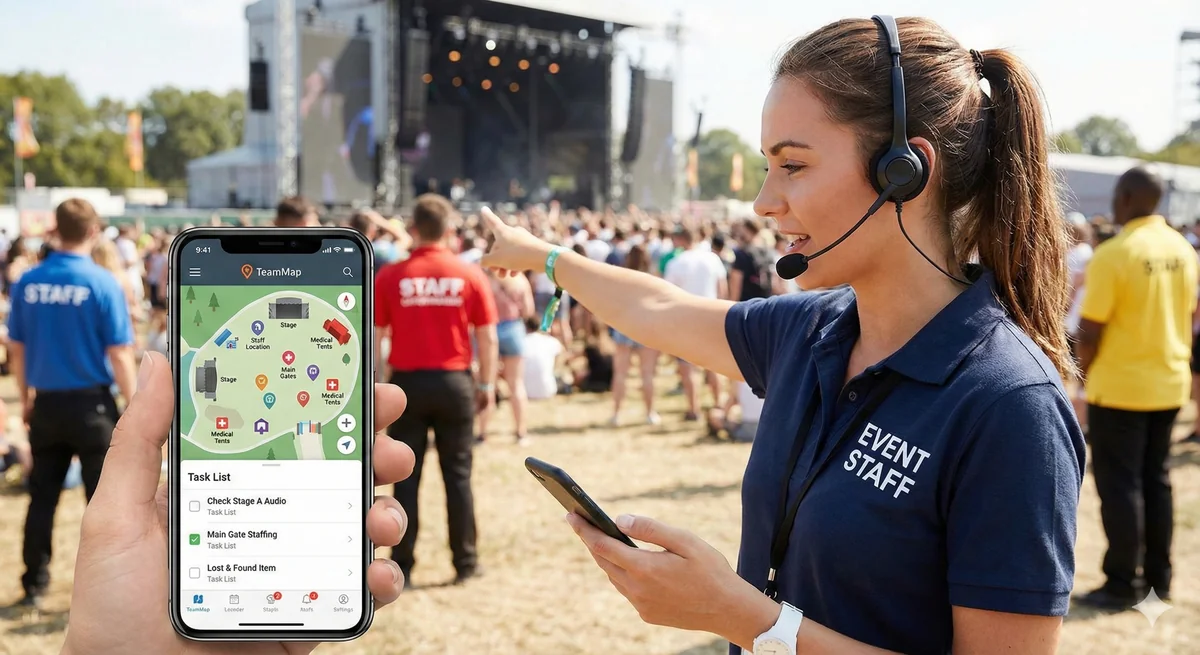
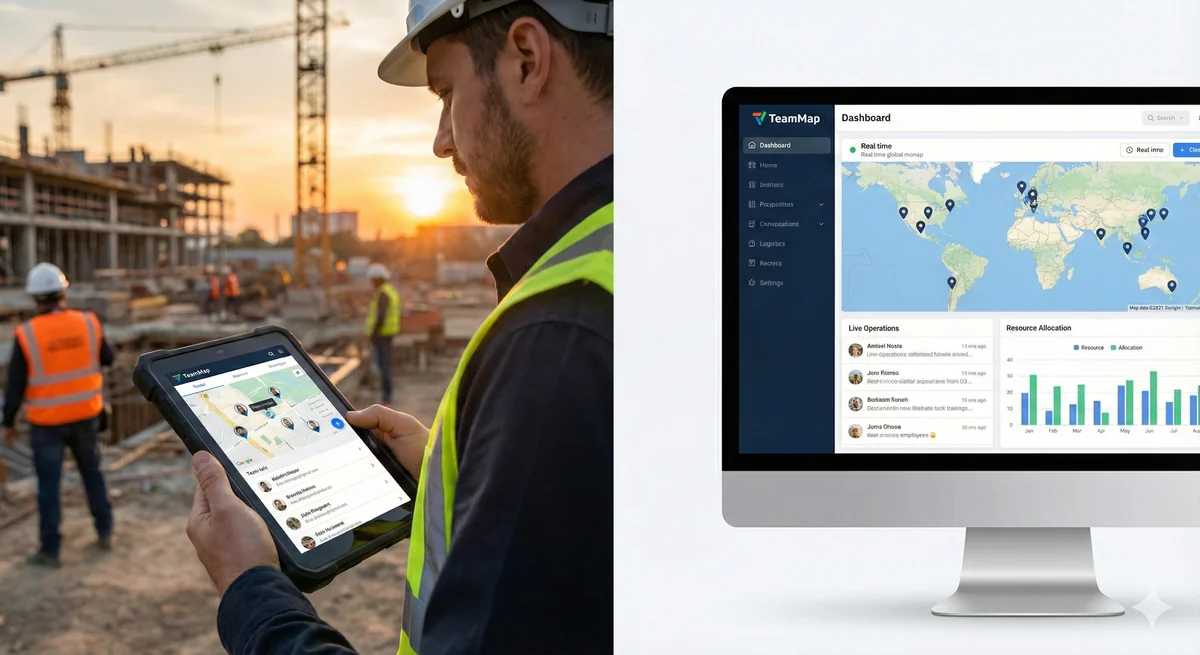
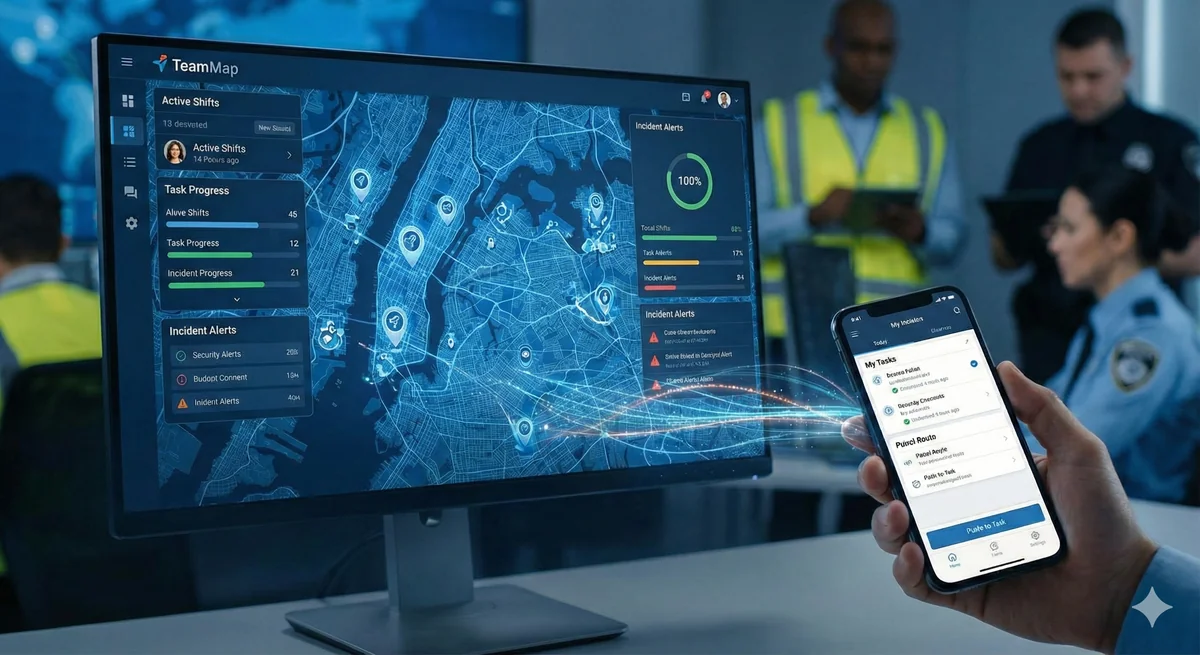
Add IP cameras to your TeamMap dashboard. Pin cameras on the live map, monitor online/offline status, view snapshots, and link cameras to patrol locations — all from one screen.
Stay up to date with the latest TeamMap features, improvements, and how to get the most from our platform.

Add IP cameras to your TeamMap dashboard. Pin cameras on the live map, monitor online/offline status, view snapshots, and link cameras to patrol locations — all from one screen.
Give your property managers 24/7 access to patrol verification, incident reports, and guard locations. Build trust and reduce support calls with transparent security operations.

Paper logs and wand systems are outdated. NFC checkpoints let guards verify patrol completion with a phone tap—reliable proof for clients, minimal friction for officers.

Illegible handwriting, lost paper forms, delayed submissions—paper reporting creates problems. Digital reports with photos, signatures, and automatic timestamps solve them.

We redesigned our voice communication system with lower latency, better audio quality, and improved reliability in low-signal areas. Here's what changed and why.

Our latest update adds customizable dashboards, automated client reports, and new metrics for tracking patrol completion, response times, and incident trends.

Managing schedule changes just got easier. Guards can now request shift swaps and time off directly in the app, with built-in approval workflows for supervisors.

Radios, keys, vehicles, uniforms—track it all. Our new inventory management feature handles check-out, transfers, and accountability for every piece of equipment.

Sometimes push-to-talk isn't enough. Our new video calling feature lets supervisors and guards connect face-to-face for briefings, incident response, and complex coordination.

Our new dispatch visualization shows animated routes from responders to incidents. Know exactly who's responding and how long they'll take to arrive.

Transform any tablet into a visitor management station. Guests check themselves in, hosts get notified, and you have a complete visitor log—all without a dedicated receptionist.

Define patrol routes with specific waypoints, timing requirements, and verification methods. Guards follow the route, you verify completion—simple.

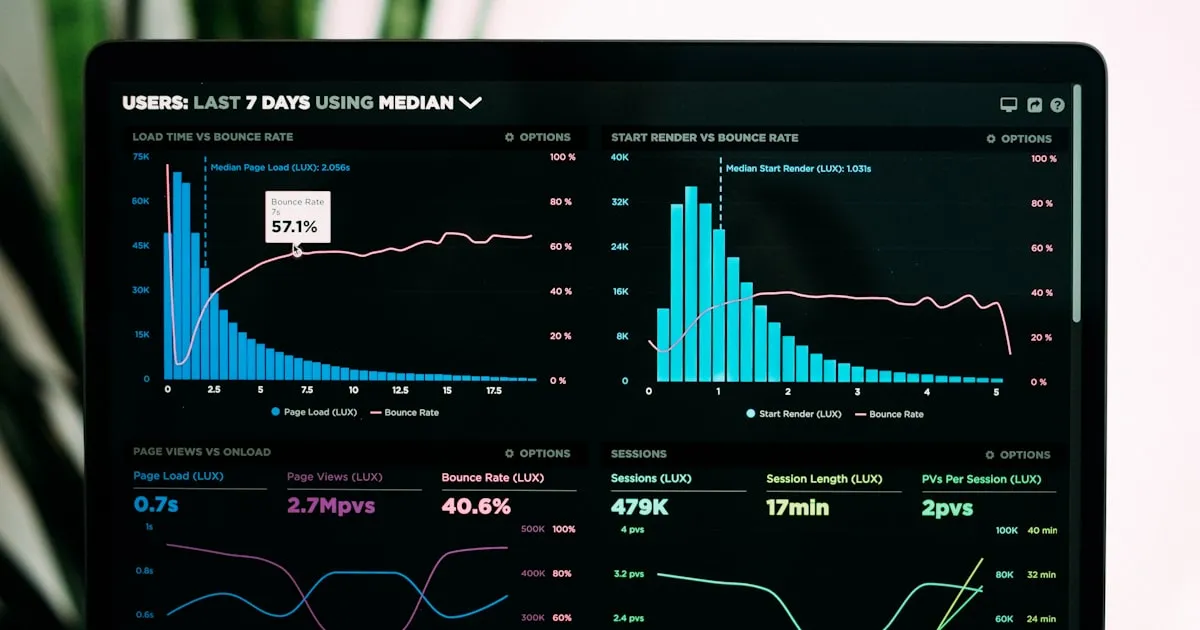
Patrol completion rates, response times, incident trends—see it all in one place. Generate client reports automatically and prove the value of your service.

Use TeamMap's real-time location tracking to verify patrol routes, checkpoint visits, and response times. Complete setup guide with configuration tips.

Step-by-step procedures for using TeamMap's NFC scanning to verify guard tour completion. Includes tag placement, scanning protocols, and troubleshooting.

Communication protocols for TeamMap's walkie-talkie feature. Covers channel setup, radio discipline, emergency codes, and voice communication best practices.

Use TeamMap's reports feature to capture incidents with photos, signatures, and automatic timestamps. Includes report templates and PDF generation.

Configure TeamMap geofences for perimeter monitoring, restricted areas, and patrol zones. Covers alert thresholds, notification setup, and response procedures.

Use TeamMap for digital shift assignments, real-time coverage tracking, and seamless handoffs. Complete workflow from scheduling to shift completion.

Assign, track, and verify security tasks with TeamMap. Covers task creation, priority assignment, completion verification, and follow-up procedures.

Set up and manage TeamMap channels for different sites, teams, and incident types. Includes communication protocols and channel organization strategies.

Deploy TeamMap's visitor kiosk for self-service check-in. Covers kiosk setup, host notifications, badge printing, and visitor log management.

Maintain security operations when connectivity is limited. Covers TeamMap's offline capabilities, data sync procedures, and contingency workflows.