Visual Dispatch: See Your Response in Real-Time
Our new dispatch visualization shows animated routes from responders to incidents. Know exactly who's responding and how long they'll take to arrive.

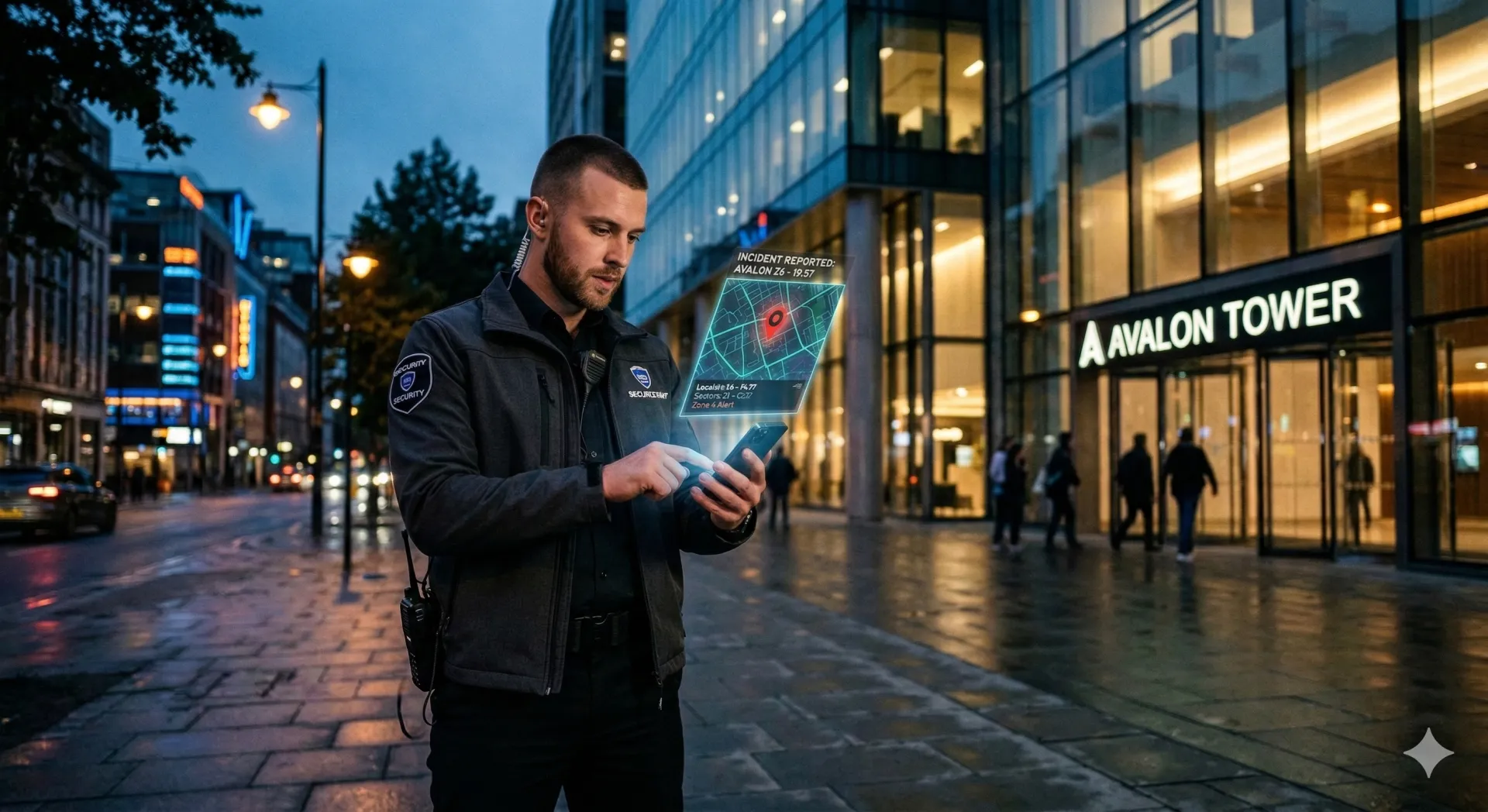
When you dispatch a guard to an incident, you want to know they're on the way. Our new visual dispatch system shows the response in real-time on the map.
RTS-style dispatch visualization shows animated route lines from responders to incidents, real-time ETA updates, and multi-responder tracking. Clients can see response is underway—no more waiting phone calls.
What You See
When a guard is dispatched to respond:
- Animated route line: A visual arc connects the responder to the incident location, pulsing to show active response.
- ETA display: Estimated time of arrival based on current position and route.
- Real-time tracking: The responder's position updates as they move toward the incident.
- Multiple responders: When multiple guards respond, each has their own route line.
How Dispatch Works
- Incident is reported or created
- Dispatcher sees available guards on the map
- Dispatcher assigns one or more guards to respond
- Assigned guards receive notification
- Guard accepts and begins response
- Route visualization appears on all relevant screens
- ETA updates as guard moves
- Visualization clears when guard arrives
Dispatch Decision Support
The system helps dispatchers make better assignments:
- Nearest available: See which guards are closest to the incident.
- Already en route: See guards already responding to other incidents.
- Off-shift visibility: Option to see off-duty guards for major incidents.
For Clients
Client-facing dashboards can show dispatch visualization, giving clients confidence that response is underway. They see:
- That a responder has been assigned
- Current ETA
- When the responder arrives
No more "Is someone coming?" phone calls.
RTS-Style Visualization
Inspired by real-time strategy games, the dispatch lines give dispatchers an intuitive understanding of their response coverage:
- Blue lines for standard responses
- Red lines for emergency responses
- Line thickness indicates priority
- Animation speed indicates urgency
Getting Started
Visual dispatch is available now. It activates automatically when guards are assigned to incidents. No configuration required—it just works.
Dispatch Line Colors
- Blue lines for standard responses
- Red lines for emergency responses
- Line thickness indicates priority
- Animation speed indicates urgency
Visual dispatch is on by default for every dispatch—no setup required.
Continue Reading

Video Analytics for Security: Beyond Basic Surveillance
AI-powered video analytics can detect intrusions, count people, and identify anomalies. This guide covers practical applications and integration strategies.

Florida Security Guard License Application: Division of Licensing Guide
Navigate the Florida Division of Licensing application process for security guards, including background checks, training providers, and processing timelines.

The 10 Best Security Guard Management Software Solutions in 2026
From enterprise platforms to mobile-first apps, we review the top security guard software options. Honest assessments of features, pricing, and who each solution works best for.