Team Channel Communication Guide: TeamMap Chat Best Practices
Set up and manage TeamMap channels for different sites, teams, and incident types. Includes communication protocols and channel organization strategies.

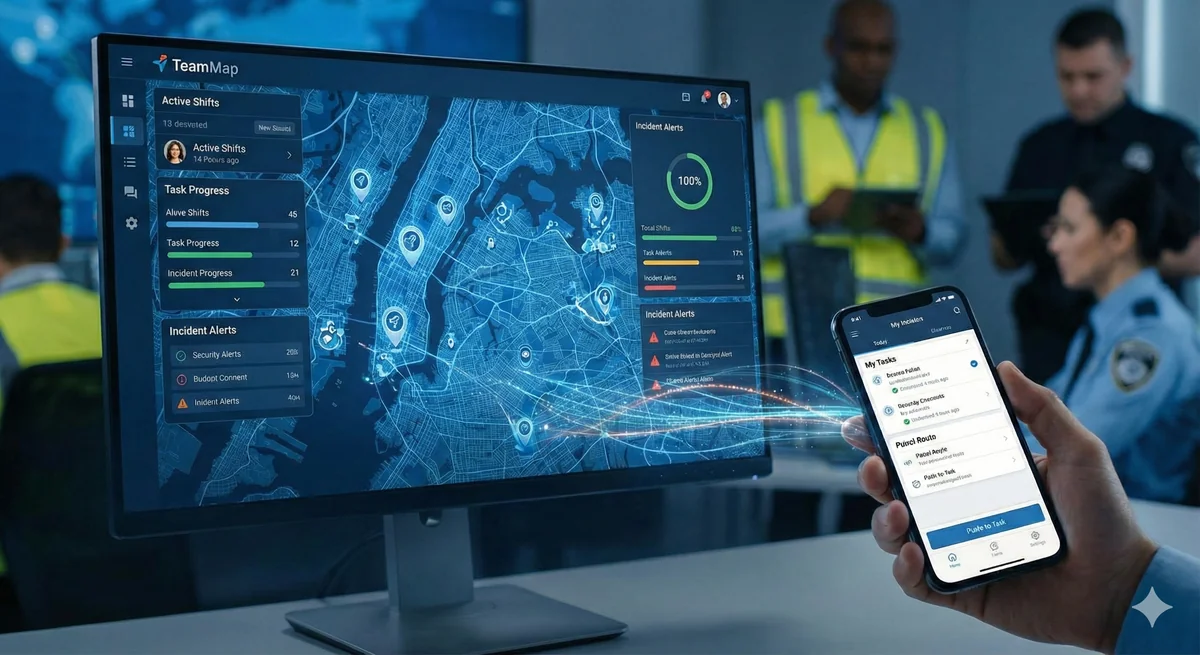
Email is too slow for a live post. Phone trees break down when three guards need the same update. Personal texts get lost and leave no record. TeamMap channels give your team one organized place to coordinate, by site, shift, or function.
TeamMap channels organize team communication by site, function, or topic. This guide covers channel setup, communication protocols, and best practices for keeping teams connected and informed.
Why Use Channels?
Channels vs. Other Communication
| Method | Good For | Not Good For |
|---|---|---|
| Formal documentation | Urgent communication | |
| Phone calls | Private 1:1 discussion | Group coordination |
| Text messages | Quick personal notes | Team-wide updates |
| Push-to-talk | Immediate response needed | Information that needs reference |
| Channels | Team coordination, updates | Real-time emergencies |
Benefits of Organized Channels
- Messages stay in context (by site, topic)
- New team members can read history
- Searchable record of communications
- No personal phone numbers shared
- Supervisors can monitor communication
Channel Organization
Recommended Channel Structure
| Category | Channel Examples | Purpose |
|---|---|---|
| Company-wide | #announcements, #all-hands | Official communications |
| Site-specific | #corporate-hq, #warehouse-a | Site operations |
| Functional | #dispatch, #supervisors | Role-based coordination |
| Shift-based | #day-shift, #overnight | Shift coordination |
| Incident | #incident-2026-001 | Specific event coordination |
Creating a Channel
- Open TeamMap
- Navigate to Chat/Channels
- Click "Create Channel"
- Enter channel name and description
- Set channel type (public/private)
- Add members or member groups
- Configure notification defaults
- Save and publish
Public vs. Private Channels
| Type | Visibility | Use Cases |
|---|---|---|
| Public | Anyone can view/join | General announcements, site channels |
| Private | Invite only | Supervisors, HR matters, investigations |
Communication Protocols
Message Types
| Type | Format | Example |
|---|---|---|
| Announcement | Clear header, key info | "SCHEDULE CHANGE: Monday shifts start 0700 not 0600" |
| Update | Brief status | "Loading dock clear, delivery complete" |
| Question | Clear ask, context | "Does anyone have the code for Conference Room B?" |
| BOLO | Description, action | "BOLO: Red Honda Civic, plate ABC123, suspected theft. Call dispatch if seen." |
Do's and Don'ts
Do:
- Keep messages work-related
- Use appropriate channel for topic
- Be clear and concise
- Acknowledge important messages
- Use threads for discussions
- Tag people who need to see urgent messages
Don't:
- Share personal complaints
- Post confidential info in public channels
- Use excessive caps or exclamation marks
- Send non-urgent messages at night
- Have private conversations in group channels
- Share photos of people without consent
Notifications and Alerts
Notification Settings
| Setting | Behavior | Use For |
|---|---|---|
| All messages | Notify every message | Critical channels only |
| Mentions only | Notify when tagged | High-traffic channels |
| Nothing | No notifications | Archive/reference channels |
Using @Mentions
- @person: Tag specific individual by name
Use mentions when you need someone specific to see a message. In busy channels, a direct mention cuts through the noise.
Incident-Specific Channels
When to Create Incident Channel
- Major incidents requiring coordination
- Events lasting more than one shift
- Multiple teams/agencies involved
- Documentation needs for legal/insurance
Incident Channel Best Practices
- Name clearly: #incident-2026-01-15-fire-alarm
- Add all relevant responders
- Pin key information (location, contacts)
- Post regular status updates
- Archive when incident closed
Message Search and History
Finding Past Information
TeamMap chat history is searchable:
- Search by keyword
- Filter by channel
- Filter by date range
- Filter by sender
- Search file attachments
Retention and Compliance
- Messages stored per company retention policy
- Can be exported for legal/compliance
- Admins can set retention periods
Key Takeaways
- Organize channels by site, function, and purpose
- Use the right communication tool for each situation
- Keep channels professional and work-related
- Use mentions strategically to get attention without overload
- Create incident channels for major event coordination
Continue Reading

Video Analytics for Security: Beyond Basic Surveillance
AI-powered video analytics can detect intrusions, count people, and identify anomalies. This guide covers practical applications and integration strategies.

Florida Security Guard License Application: Division of Licensing Guide
Navigate the Florida Division of Licensing application process for security guards, including background checks, training providers, and processing timelines.

The 10 Best Security Guard Management Software Solutions in 2026
From enterprise platforms to mobile-first apps, we review the top security guard software options. Honest assessments of features, pricing, and who each solution works best for.