Security Escalation Matrix: Who to Call and When
A clear escalation framework that defines notification chains for different incident types and severity levels—from minor disturbances to critical emergencies.

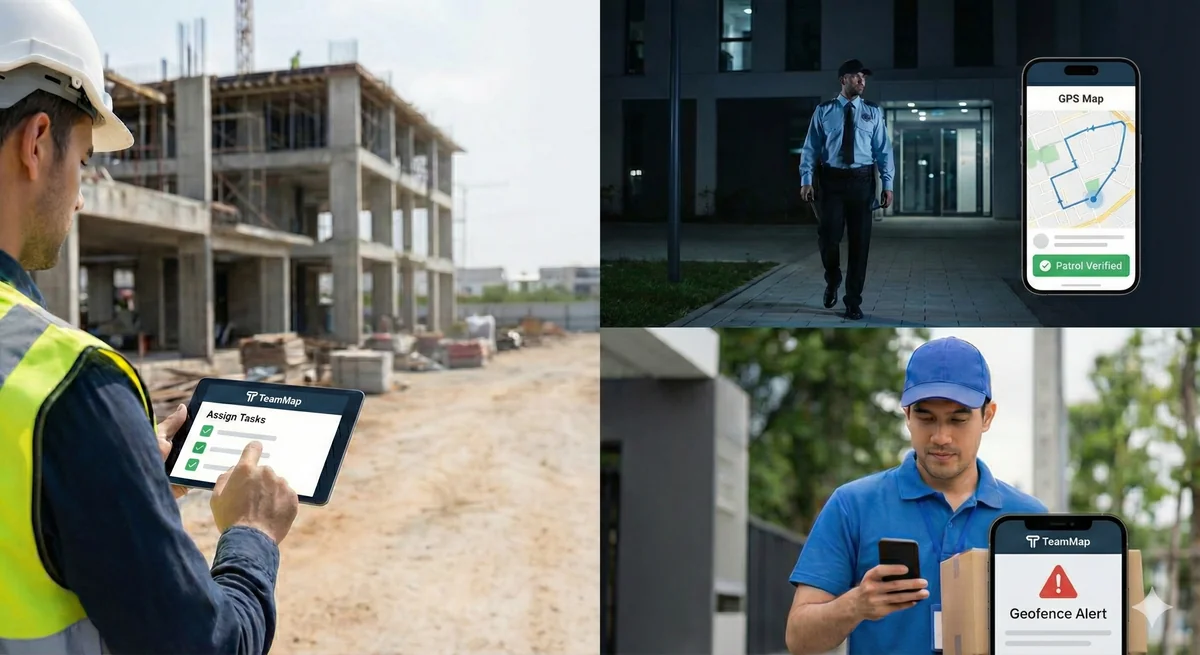
When an incident occurs, every minute spent figuring out who to call is a minute lost. An escalation matrix defines exactly who gets notified, at what severity level, and through what channels—eliminating confusion during high-pressure situations.
Build your escalation matrix around incident severity levels (Critical, High, Medium, Low), with specific contacts, response times, and communication methods for each. Update quarterly and after any organizational changes.
Severity Level Definitions
| Level | Definition | Examples |
|---|---|---|
| Critical (1) | Immediate threat to life, major property damage, or significant business disruption | Active shooter, fire, bomb threat, serious injury, major theft in progress |
| High (2) | Security breach requiring immediate response, potential for escalation | Unauthorized entry to secure area, aggressive individual, significant vandalism, utility failure |
| Medium (3) | Incident requiring prompt attention but not immediately threatening | Suspicious activity, minor theft discovered, parking disputes, non-violent trespasser |
| Low (4) | Routine matters requiring documentation or follow-up | Lost property, visitor complaints, minor policy violations, maintenance issues |
Response Time Requirements
| Severity | Initial Response | Supervisor Notification | Management Notification |
|---|---|---|---|
| Critical | Immediate | Within 5 minutes | Within 15 minutes |
| High | Within 5 minutes | Within 15 minutes | Within 1 hour |
| Medium | Within 15 minutes | Within 1 hour | End of shift or next business day |
| Low | Within 30 minutes | Daily summary | Weekly report |
Escalation Matrix Template
Critical Incidents (Level 1)
FIRST: Call 911 for any life-threatening emergency
| Order | Contact | Method | Backup |
|---|---|---|---|
| 1 | Security Dispatch | Radio Channel 1 | Phone: [number] |
| 2 | Security Supervisor | Phone/Radio | [backup supervisor] |
| 3 | Security Director | Phone | [assistant director] |
| 4 | Facility Manager | Phone | [backup FM] |
| 5 | Client Contact (if contract) | Phone | [secondary contact] |
| 6 | Executive Management | Phone | [specified by protocol] |
High Severity (Level 2)
| Order | Contact | Method | When |
|---|---|---|---|
| 1 | Security Dispatch | Radio | Immediately |
| 2 | Security Supervisor | Phone/Radio | Within 15 min |
| 3 | Security Director | Phone/Email | Within 1 hour |
| 4 | Facility Manager | Phone/Email | Within 1 hour (business hours) |
Medium Severity (Level 3)
| Order | Contact | Method | When |
|---|---|---|---|
| 1 | Security Dispatch | Radio/App | Within 15 min |
| 2 | Security Supervisor | Email/App | Within 1 hour |
| 3 | Security Director | End of shift |
Low Severity (Level 4)
| Contact | Method | When |
|---|---|---|
| Document in DAR | Activity log | Within shift |
| Security Supervisor | Daily summary | Next business day |
Incident-Specific Escalation
Medical Emergency
- Call 911
- Radio dispatch for AED and additional officers
- Notify supervisor
- Send officer to meet EMS at entrance
- Notify facility manager (if during business hours)
- Notify next of kin procedures (per policy)
Fire/Evacuation
- Pull fire alarm / Call 911
- Radio dispatch and all units
- Begin evacuation procedures
- Notify supervisor and security director
- Notify facility manager
- Coordinate with fire department IC on arrival
Active Threat
- Call 911—give location, description, weapon type
- Radio dispatch: "Code [X], [location]"
- Implement lockdown if applicable
- Direct employees/visitors to safety
- Supervisor and director notified immediately
- Meet law enforcement, provide intelligence
Theft/Burglary (Discovered)
- Secure the scene—don't touch anything
- Radio dispatch
- Call police for report
- Notify supervisor
- Notify security director and client
- Preserve video evidence
Contact Information Template
Emergency Contacts
Police/Fire/EMS: 911
Police Non-Emergency: [local number]
Fire Non-Emergency: [local number]
Poison Control: 1-800-222-1222
Security Chain of Command
Dispatch: [radio channel/phone]
Shift Supervisor: [name/number]
Security Director: [name/number]
Director Backup: [name/number]
Facility Contacts
Facility Manager: [name/number]
Building Engineer: [name/number]
After-Hours Maintenance: [number]
Utilities
Electric Company: [number]
Gas Company: [number]
Water Department: [number]
Client Contacts (if contract security)
Primary: [name/number]
Secondary: [name/number]
After-Hours: [number]
Communication Methods
When to Use Each Method
| Method | Use For | Advantages |
|---|---|---|
| Radio | Immediate tactical communication | Instant, reaches multiple officers |
| Phone call | Direct notification, sensitive info | Confirms receipt, allows questions |
| Text/SMS | Quick notification, low urgency | Written record, non-intrusive |
| Detailed reports, documentation | Detailed, attachments, audit trail | |
| App notification | Routine updates, shift information | Logged, trackable, automated |
Matrix Maintenance
- Review and update quarterly
- Update immediately after personnel changes
- Test escalation paths annually
- Distribute updated versions to all personnel
- Post summary version at security posts
Key Takeaways
- Define severity levels clearly—no ambiguity
- Specify response times for each level
- Include backup contacts for every primary
- Update after every personnel change
- Train all officers on the matrix
Continue Reading

Video Analytics for Security: Beyond Basic Surveillance
AI-powered video analytics can detect intrusions, count people, and identify anomalies. This guide covers practical applications and integration strategies.

Florida Security Guard License Application: Division of Licensing Guide
Navigate the Florida Division of Licensing application process for security guards, including background checks, training providers, and processing timelines.

The 10 Best Security Guard Management Software Solutions in 2026
From enterprise platforms to mobile-first apps, we review the top security guard software options. Honest assessments of features, pricing, and who each solution works best for.