Choosing a Mobile Patrol App: What to Look For
Not all patrol apps are created equal. This guide breaks down the key features, pricing models, and red flags to watch for when evaluating guard tour software.

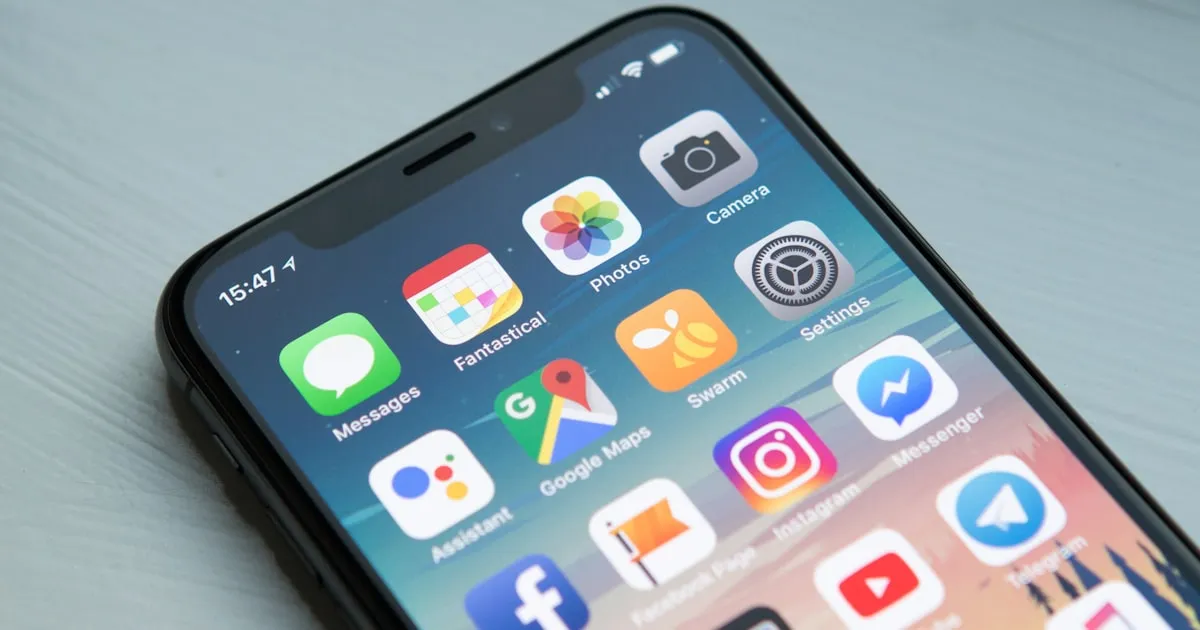
Your guards spend 8-12 hours per shift with a patrol app as their primary work tool. The wrong app means missed checkpoints, lost incident reports, dead batteries by hour six, and guards who revert to paper logs because the technology is worse than doing it by hand. This comparison covers the patrol apps that actually work in the field — not just in a sales demo over WiFi.
TeamMap for communication-heavy patrols with lone worker safety. Silvertrac for client-facing report quality. GuardsPro for budget-conscious companies under 30 guards. Officer Reports for incident documentation. PatrolScan and Guard Patrol for simple checkpoint-only operations. Always test offline, always test on a cheap phone, always let guards try it for a full shift before committing.
What Actually Matters in a Patrol App
Forget the feature checklist for a minute. Here are the five things that determine whether your guards will actually use the app or quietly stop opening it after week two:
1. Offline Capability
This is non-negotiable. Guards patrol parking garages, basements, stairwells, construction sites, and rural properties where cell signal dies. A patrol app that can't scan checkpoints, submit incident reports, and log activity without connectivity is useless for a lot of the places your guards actually work.
Test this specifically: put the phone in airplane mode, scan five checkpoints, write an incident report with two photos, then turn connectivity back on. Did everything sync? Did anything get lost? How long did the sync take?
2. Battery Impact
GPS tracking is the biggest battery drain. An app that polls location every 5 seconds will kill a phone battery in 4-5 hours. An app that uses smart polling — frequent updates when moving, less frequent when stationary, geofence-triggered updates — can last a full 10-hour shift on a mid-range phone.
Ask the vendor what their typical battery consumption is over an 8-hour shift. If they don't know or dodge the question, that's a red flag. Your guards aren't going to carry battery packs. If the phone dies at hour six, you have no tracking and no communication for the rest of the shift.
3. Checkpoint Verification Method
Three main approaches, each with trade-offs:
- NFC tags: Most reliable. Guard taps phone to tag, scan happens in under a second. Works offline, works in any lighting, works with gloves (if the phone supports NFC through cases). Tags cost $0.50-2 each and are nearly impossible to spoof. Downside: requires physical tag installation at every checkpoint.
- QR codes: Cheap to print, easy to replace. But QR scanning needs the camera, which means unlocking the phone, opening the app, pointing the camera, and waiting for focus. In poor lighting, rain, or with dirty lenses, it fails. QR codes can be photographed and shared, making spoofing trivial.
- GPS-based: No physical tags needed. Guard enters a geofenced zone and the checkpoint auto-verifies. But GPS accuracy is 5-15 meters in open areas and much worse near buildings or indoors. You'll get false positives from guards walking near a checkpoint without actually checking the area.
The best approach: NFC as primary, GPS as supplementary for outdoor-only checkpoints.
4. Incident Report Speed
How fast can a guard file an incident report? Count the taps from "something just happened" to "report submitted." If it takes more than 60 seconds for a basic incident with one photo, the app is too slow. Guards dealing with trespassers, medical emergencies, or disturbances can't spend three minutes navigating form fields. They need to document and get back to the situation.
5. Platform Support
Does it run on both iOS and Android? Most guard forces are majority Android because companies issue cheap phones or guards use personal devices. An iOS-only or iOS-first app ignores the majority of your workforce. Check Play Store reviews separately from the App Store — Android performance is often worse.
App-by-App Comparison
| Feature | TeamMap | Silvertrac | GuardsPro | Officer Reports | PatrolScan | Guard Patrol |
|---|---|---|---|---|---|---|
| Offline checkpoint scanning | Yes (NFC, QR, GPS) | Yes (NFC, QR, GPS) | Yes (QR, NFC) | No (online only) | Yes (NFC) | Yes (NFC, QR) |
| Offline incident reports | Yes (full sync) | Yes (queued) | Partial | No | No | No |
| Built-in communication | PTT, messaging, video | None | Basic messaging | None | None | None |
| Guard safety (SOS/welfare checks) | Yes | No | No | No | No | No |
| Client reporting | Live branded portal + DARs | Scheduled branded reports | Basic templates | Incident reports only | Basic | Basic |
| Pricing | Free plan; from $5/user/mo | Contact for pricing | Contact for pricing | Contact for pricing | Contact for pricing | Contact for pricing |
| Scheduling included | Yes | Basic | Yes | No | No | No |
| Android app quality | Native, fast | Functional | Functional | Functional | Basic | Basic |
Detailed Breakdown
TeamMap
TeamMap is the only patrol app with built-in push-to-talk voice, messaging, and video calling. For operations where guards need to communicate with dispatch during patrols — reporting suspicious activity, requesting backup, coordinating with roving patrols — it eliminates the need for a separate radio system. The SOS and welfare check-in features make it the clear pick for lone worker patrols like fire watch, construction sites, or remote property security.
Checkpoint scanning supports NFC, QR, and GPS with full offline capability. Incident reports, photos, and checkpoint scans all queue locally and sync when connectivity returns. The map-first dispatcher view shows patrol progress in real time across all sites.
Best fit: Operations where communication and guard safety matter as much as checkpoint verification. Companies looking to drop radio costs.
Silvertrac
Silvertrac has been refining guard tour reporting for over a decade. The client-facing reports are the best in the business — branded, detailed, and automatically delivered on schedule. If your clients evaluate you primarily based on report quality, Silvertrac makes a strong impression.
The patrol verification is solid with NFC, QR, and GPS options. Offline scanning works. The DAR system captures activity throughout the shift. Where Silvertrac falls short is everything beyond tours and reporting — no communication features, basic scheduling, and an interface that hasn't had a major refresh.
Best fit: Companies where client report quality directly affects contract retention. Property management accounts, corporate campuses, HOAs.
GuardsPro
The budget option. GuardsPro gives you checkpoint scanning, incident reports, GPS tracking, and basic scheduling at a low price point. For a 15-guard company just moving off paper logs, it handles the basics without the cost or complexity of larger platforms.
The trade-off is depth. Reporting is template-based with limited customization. The client portal is minimal. Offline support is partial — checkpoints scan offline, but incident reports may not queue reliably. If you're growing fast, you'll outgrow it.
Best fit: Small companies (5-30 guards) that need to digitize now without a big investment.
Officer Reports
Specialized incident documentation. Officer Reports fits when the primary job is producing detailed, legally defensible incident reports. Templates for different incident types ensure guards capture the right information. Every report gets a timestamp, GPS tag, and media attachments.
The limitation: it's a reporting tool, not a patrol management platform. No checkpoint scanning, no scheduling, no communication. You're buying it alongside other tools, which means managing multiple apps and paying multiple subscriptions.
Best fit: Operations where incident documentation quality is the priority — hospitals, universities, retail loss prevention.
PatrolScan and Guard Patrol
These are checkpoint-only tools. NFC tag scanning, timestamp logging, missed-checkpoint alerts. No incident reporting, no communication, no scheduling. They do one thing cheaply and simply.
For a company that literally just needs to prove guards walked the route and nothing else, these work. The price reflects the scope. But the moment you need anything beyond "did the guard scan the tag," you need additional tools.
Best fit: Simple guard tour verification with no other requirements. Supplement alongside a separate operations platform.
Choosing by Company Size
Small Operations (5-25 guards)
You're probably running lean with one or two supervisors handling everything. Every dollar per guard per month matters when you're paying $16-18/hour and operating on 8-10% margins. GuardsPro or a combined TeamMap setup (which replaces both your patrol app AND your radio/communication costs) keeps total technology spend under $15/guard/month.
Mid-Size Operations (25-100 guards)
This is where the all-in-one platforms pay for themselves. You have dedicated dispatchers, multiple sites, client reporting requirements, and enough guard volume that manual processes don't scale. Silvertrac for report-focused operations, TeamMap for communication-heavy operations, or Belfry if scheduling is your biggest headache.
Large Operations (100+ guards)
At scale, integration matters more than any single feature. Your patrol app needs to feed data into your scheduling system, your billing system, your client portals, and your analytics. TrackForce Valiant, PPO, or a platform with strong API access so you can build the integrations you need. The cost per guard matters less than the operational efficiency gains.
The Real Adoption Test
If a vendor won't give you a free trial period to run this test, walk away. Any company confident in their product lets you test it with real guards on real shifts. A 30-minute demo over Zoom tells you nothing about how the app performs at 2 AM in a parking garage with one bar of signal.
Pricing Models Explained
How patrol apps charge varies, and the billing model affects total cost differently depending on your operation:
- Per user/month ($3-15): Most common. Predictable, scales linearly. A 50-guard operation pays $150-750/month. Watch for: do part-time guards count as full users?
- Per site/month ($25-100): Works if you have few sites with many guards. A 3-site operation with 40 guards might pay less than per-user pricing. Breaks down at 15+ sites.
- Flat rate ($200-500/month): Best for larger companies. Unlimited users, predictable cost. But there's usually a minimum commitment and annual contracts.
Hidden costs to ask about before signing: implementation/setup fees ($500-5,000), per-user training fees, additional report template fees, data export fees, API access fees, and overage charges if you exceed user limits.
Key Takeaways
- Offline functionality is the single most important feature — test it specifically in airplane mode
- Battery drain determines whether guards can finish a shift. Smart GPS polling beats constant tracking.
- NFC checkpoints are more reliable than QR codes or GPS geofences for patrol verification
- Communication-heavy operations should look at TeamMap to eliminate separate radio costs
- Report-focused operations should look at Silvertrac for client-facing quality
- Budget operations under 30 guards can start with GuardsPro — check their site for current pricing
- Always run a real-shift test with real guards before committing to a contract
Continue Reading

Video Analytics for Security: Beyond Basic Surveillance
AI-powered video analytics can detect intrusions, count people, and identify anomalies. This guide covers practical applications and integration strategies.

Florida Security Guard License Application: Division of Licensing Guide
Navigate the Florida Division of Licensing application process for security guards, including background checks, training providers, and processing timelines.

The 10 Best Security Guard Management Software Solutions in 2026
From enterprise platforms to mobile-first apps, we review the top security guard software options. Honest assessments of features, pricing, and who each solution works best for.