Welfare Check-Ins: Keeping Lone Workers Connected and Safe
When guards work alone, regular check-ins ensure someone notices if something goes wrong. Here's how to implement welfare checks without creating busywork.

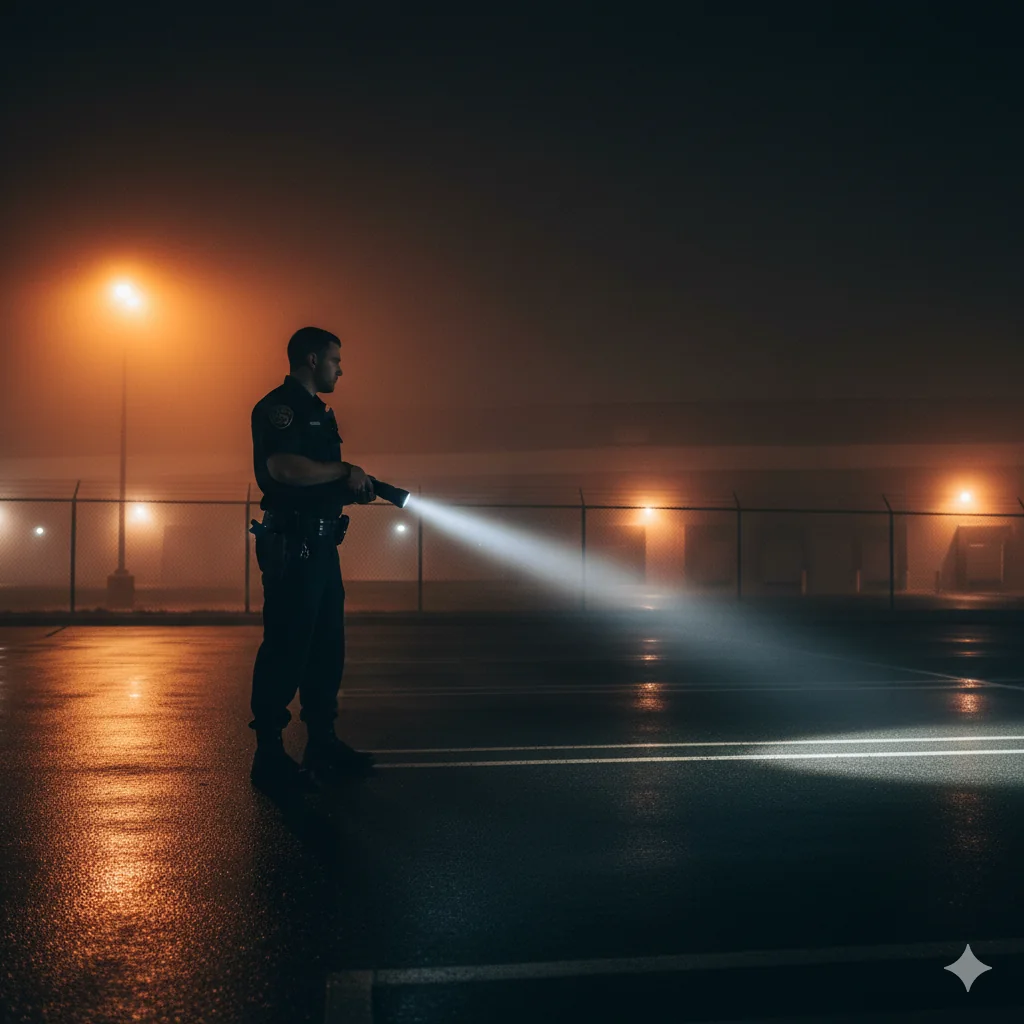
A guard working alone at 3 AM has a medical emergency. How long before anyone notices? Without a welfare check system, the answer might be hours—until the next shift arrives to find their colleague incapacitated. Welfare check-ins close that gap by requiring periodic confirmation that lone workers are okay.
Welfare check-ins require guards to periodically confirm they're okay. Missed check-ins trigger automatic escalation to supervisors. Configure intervals based on risk level (15-30 min for high-risk, 30-60 min for standard, 1-2 hours for low-risk).
The Lone Worker Problem
Many security jobs involve working alone. Overnight shifts at buildings that close to the public, remote sites far from backup, and patrol routes that take guards through isolated areas—these situations are inherent to security work. If something goes wrong in these contexts—a fall, a medical event, an assault—there may be no one around to help or even notice that help is needed.
Regulations in many jurisdictions require employers to have procedures for protecting lone workers. But beyond compliance, it's fundamentally about keeping your people safe. Guards who know someone is monitoring their well-being work with greater confidence, and families of guards rest easier knowing their loved one isn't truly alone during those overnight shifts.
How Welfare Checks Work
The concept is simple: at regular intervals, guards confirm they're okay. If they don't check in, someone investigates. The mobile app notifies the guard that a check-in is due. The guard taps a button to confirm they're okay—nothing more than that for routine check-ins. If they don't respond within the window, they get additional reminders with escalating urgency. If still no response after the grace period, supervisors are notified automatically with the guard's last known location. Someone then checks on the guard through a phone call, dispatch of another officer, or both depending on the situation.
Configuring Check-In Intervals
High-risk environments warrant frequent check-ins—every 15 to 30 minutes is appropriate for construction sites, industrial facilities, and areas with known hazards where incidents could have severe consequences. Standard lone work situations like night shifts at office buildings or retail locations typically call for check-ins every 30 to 60 minutes. Low-risk situations in calm environments with minimal hazards can extend to 1-2 hour intervals.
Balance safety against annoyance. Check-ins that are too frequent become background noise—guards dismiss them without thinking, defeating the purpose. The system should feel protective, not intrusive.
Making Check-Ins Meaningful
A welfare check system fails if guards treat it as a nuisance to be ignored or mechanically dismissed. Guards should understand that check-ins exist to protect them, not to surveil them—this framing affects whether they engage thoughtfully or just tap reflexively. Keep the process simple: one tap should be enough for routine confirmation. Requiring notes or photos for every check-in creates friction that leads to resentment.
Most importantly, respond when guards don't check in. If nothing happens when check-ins are missed, guards learn that the system doesn't actually matter—and they stop taking it seriously. Supervisors should know exactly what happens when they receive an escalation alert. Practice the response regularly so everyone knows their role when a real emergency occurs.
Combining with Other Safety Features
Welfare checks work best as part of a layered safety system where each component catches different scenarios. SOS buttons handle immediate emergencies that guards initiate when they recognize danger. GPS tracking ensures responders know where to send help. Welfare check-ins provide periodic confirmation that everything is okay during the long stretches between incidents.
Each layer addresses different failure modes. Together, they minimize the time between an incident occurring and a response beginning—the critical window that determines outcomes in emergencies.
Implementation Approach
Start by identifying which shifts and sites require welfare checks based on isolation, risk level, and regulatory requirements. Set appropriate intervals based on honest risk assessment rather than arbitrary standards. Configure escalation contacts for each site and shift, ensuring someone is always available to respond. Train guards on the check-in process and the reasoning behind it. Train supervisors on escalation response so they react appropriately when alerts arrive. Document procedures for after-hours escalations when normal supervisors aren't available. Finally, test the full escalation chain before going live—a system that's never been tested might not work when it actually matters.
Key Takeaways
- Missed check-ins trigger automatic escalation to supervisors with location data.
- Configure intervals based on actual risk level—don't make them too frequent.
- Combine with SOS and GPS for comprehensive layered safety.
Continue Reading

Video Analytics for Security: Beyond Basic Surveillance
AI-powered video analytics can detect intrusions, count people, and identify anomalies. This guide covers practical applications and integration strategies.

Florida Security Guard License Application: Division of Licensing Guide
Navigate the Florida Division of Licensing application process for security guards, including background checks, training providers, and processing timelines.

The 10 Best Security Guard Management Software Solutions in 2026
From enterprise platforms to mobile-first apps, we review the top security guard software options. Honest assessments of features, pricing, and who each solution works best for.