Introducing Man-Down Detection: Automatic Fall and Stillness Alerts
Our new Man-Down Detection feature uses your phone's accelerometer to automatically detect falls and prolonged stillness, triggering emergency alerts when guards can't respond themselves.

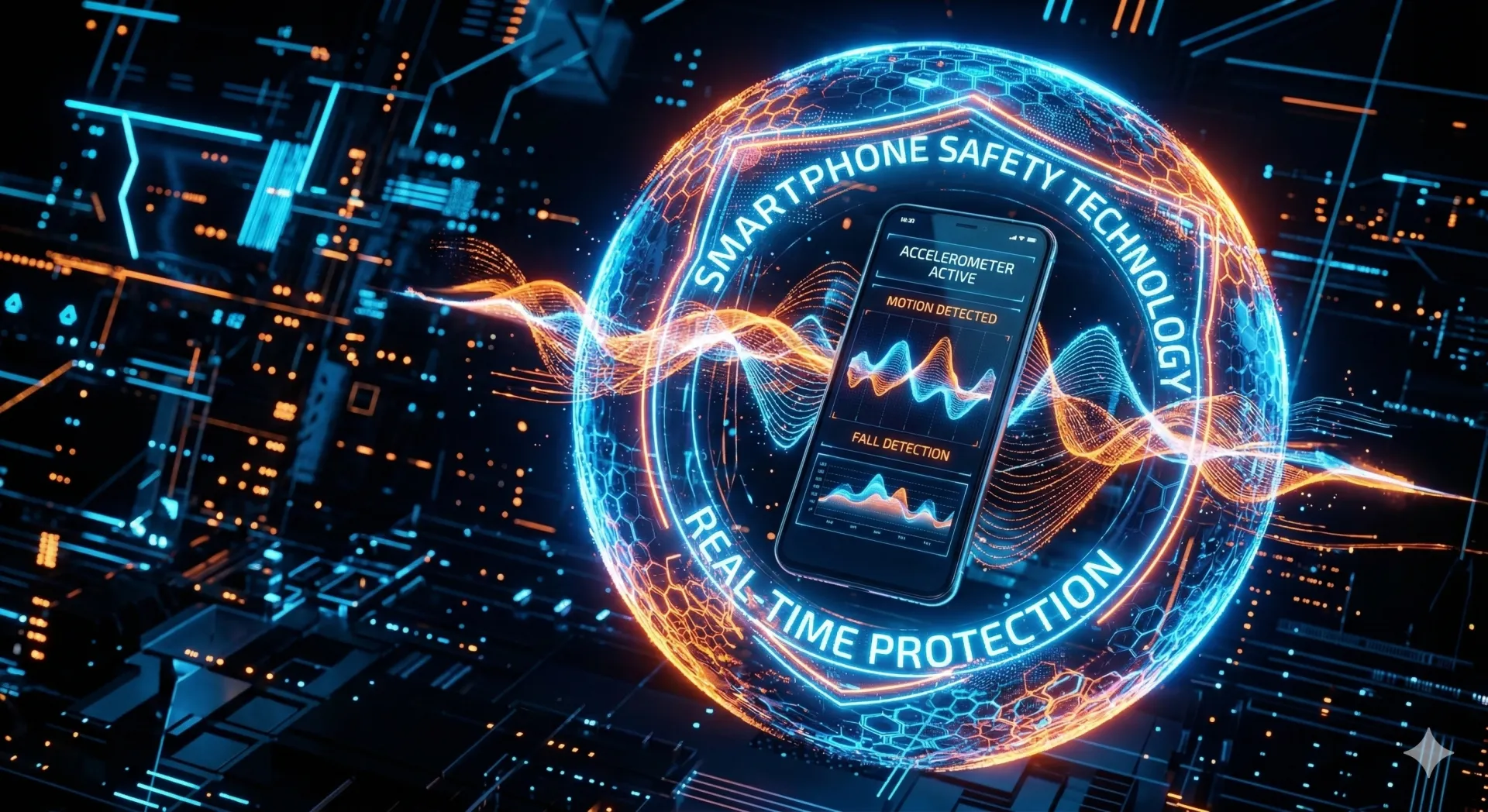
When a guard falls or becomes unresponsive, every second counts. Our new Man-Down Detection feature uses your phone's accelerometer to automatically detect emergencies and trigger alerts—even when the guard can't call for help themselves.
Man-Down Detection uses your phone's accelerometer to detect falls and extended stillness, automatically triggering an SOS if the guard doesn't respond within the countdown period.
What Is Man-Down Detection?
Man-Down Detection monitors motion patterns using the accelerometer built into your guard's smartphone. The feature detects two types of potentially dangerous events. Fall detection identifies a sudden high G-force impact—like hitting the ground—followed by stillness, indicating the guard may have fallen and been injured. Stillness detection identifies extended periods without movement that may indicate a guard is incapacitated, even without a fall.
When either condition is detected, the system displays a full-screen alert with a loud alarm, vibration, and a countdown timer. If the guard doesn't respond by pressing the "I'm OK" button before the countdown expires, an emergency SOS is automatically triggered, sending their location to the entire team.
How It Works
The detection runs automatically during active shifts without requiring any action from the guard. When a guard clocks into a shift with Man-Down Detection enabled, the app begins monitoring motion in the background using the phone's accelerometer. This monitoring continues passively throughout the shift.
If a fall or extended stillness is detected, a loud alarm sounds with vibration and a countdown appears on screen—typically 30 seconds, though this is configurable. The guard has that window to press the "I'm OK" button and dismiss the alert. If there's no response by the end of the countdown, an SOS is automatically triggered with the guard's current location, alerting supervisors and teammates that something may be wrong.
Why This Matters
Security guards often work alone, in isolated areas, during overnight shifts. If something happens—a medical emergency, an assault, a slip-and-fall—there may be no one around to call for help.
Traditional check-in systems require the guard to actively report in. But if they're unconscious or injured, they can't check in. Man-Down Detection works passively—it notices when something is wrong and takes action automatically.
Configurable for Your Operation
Every organization is different. Man-Down Detection can be configured at the organization level:
Configuration Options
- Sensitivity levels: Low, medium, or high—depending on the typical movement patterns of your guards.
- Stillness timeout: How long without movement before triggering an alert. Default is 30 seconds.
- Countdown duration: How long the guard has to respond before the SOS triggers. Default is 30 seconds.
- Auto-trigger SOS: Whether to automatically send an emergency alert or just notify supervisors.
User Control
Guards have control over the feature on their device. If they're working in a vehicle or know they'll be stationary for an extended period, they can pause detection temporarily. This prevents false alarms while maintaining protection when it matters.
The feature only activates during clocked-in shifts—no monitoring during personal time.
Privacy Considerations
Man-Down Detection uses the same accelerometer data your phone uses for step counting. It doesn't record or transmit motion data continuously—it only analyzes patterns locally on the device to detect falls or stillness.
When an alert is triggered, location is shared as part of the SOS (consistent with existing emergency alert functionality). No additional data is collected.
Getting Started
Man-Down Detection is available now for all TeamMap mobile users. To enable it:
- Contact your administrator to enable the feature for your organization.
- Guards opt-in through the Settings menu on the mobile app.
- The feature activates automatically when guards clock into shifts.
We recommend starting with medium sensitivity and adjusting based on your team's feedback. Different environments—warehouse vs. office building vs. outdoor patrol—may benefit from different settings.
Part of a Broader Safety System
Man-Down Detection joins our existing safety features: SOS panic button, welfare check-ins, and real-time location tracking. Together, these tools ensure that when something goes wrong, help can find your team fast.
Lone workers shouldn't feel alone. With Man-Down Detection, they have a safety net that works even when they can't.
Continue Reading

Video Analytics for Security: Beyond Basic Surveillance
AI-powered video analytics can detect intrusions, count people, and identify anomalies. This guide covers practical applications and integration strategies.

Florida Security Guard License Application: Division of Licensing Guide
Navigate the Florida Division of Licensing application process for security guards, including background checks, training providers, and processing timelines.

The 10 Best Security Guard Management Software Solutions in 2026
From enterprise platforms to mobile-first apps, we review the top security guard software options. Honest assessments of features, pricing, and who each solution works best for.